-
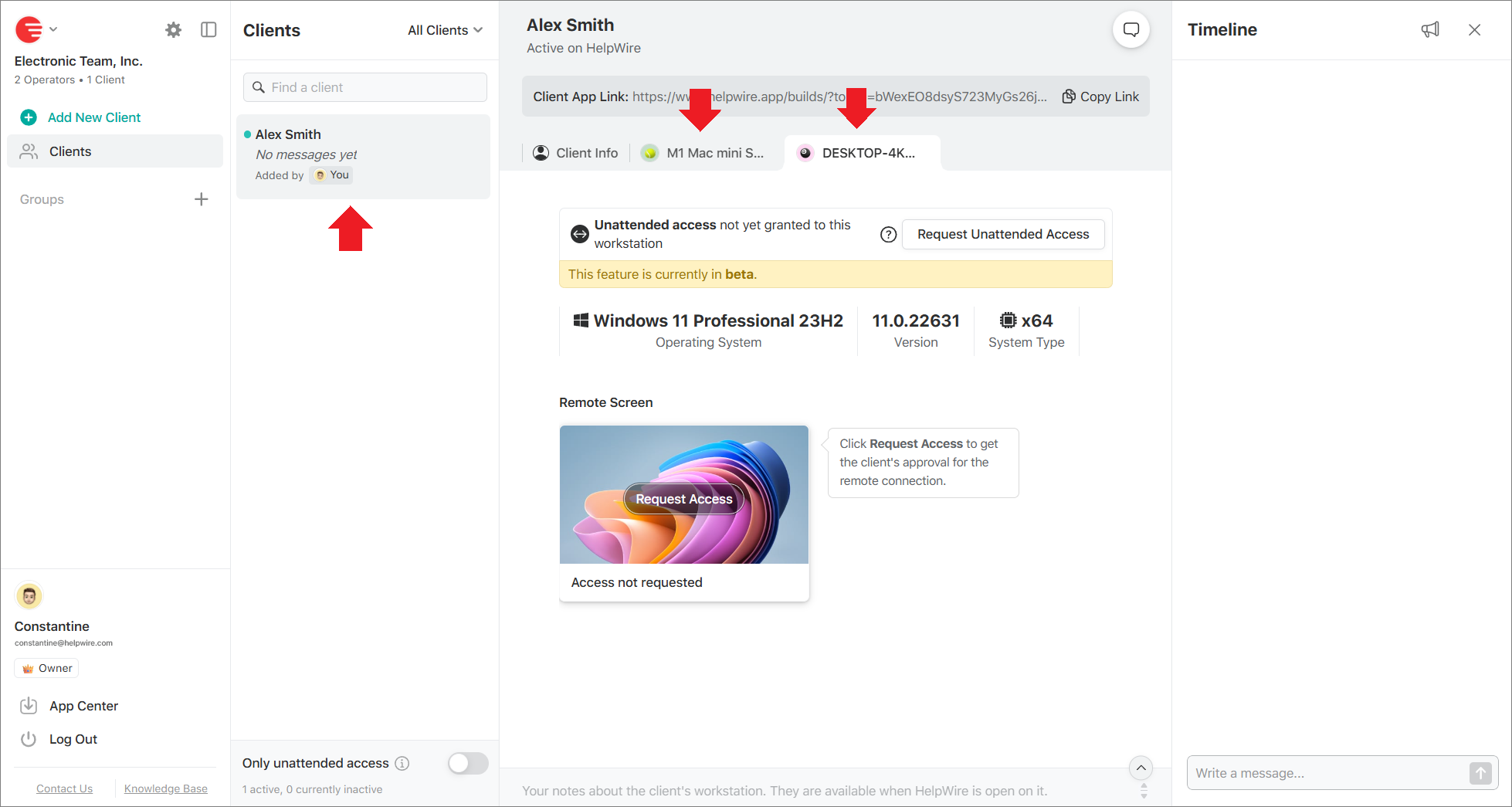
To have all workstations associated with the same client listed under their profile, you should provide the client with the same client app link every time they are connecting from a new workstation.
-
Upon receiving the link, the client should download and open the HelpWire Client app on the workstation they’re going to share access to.
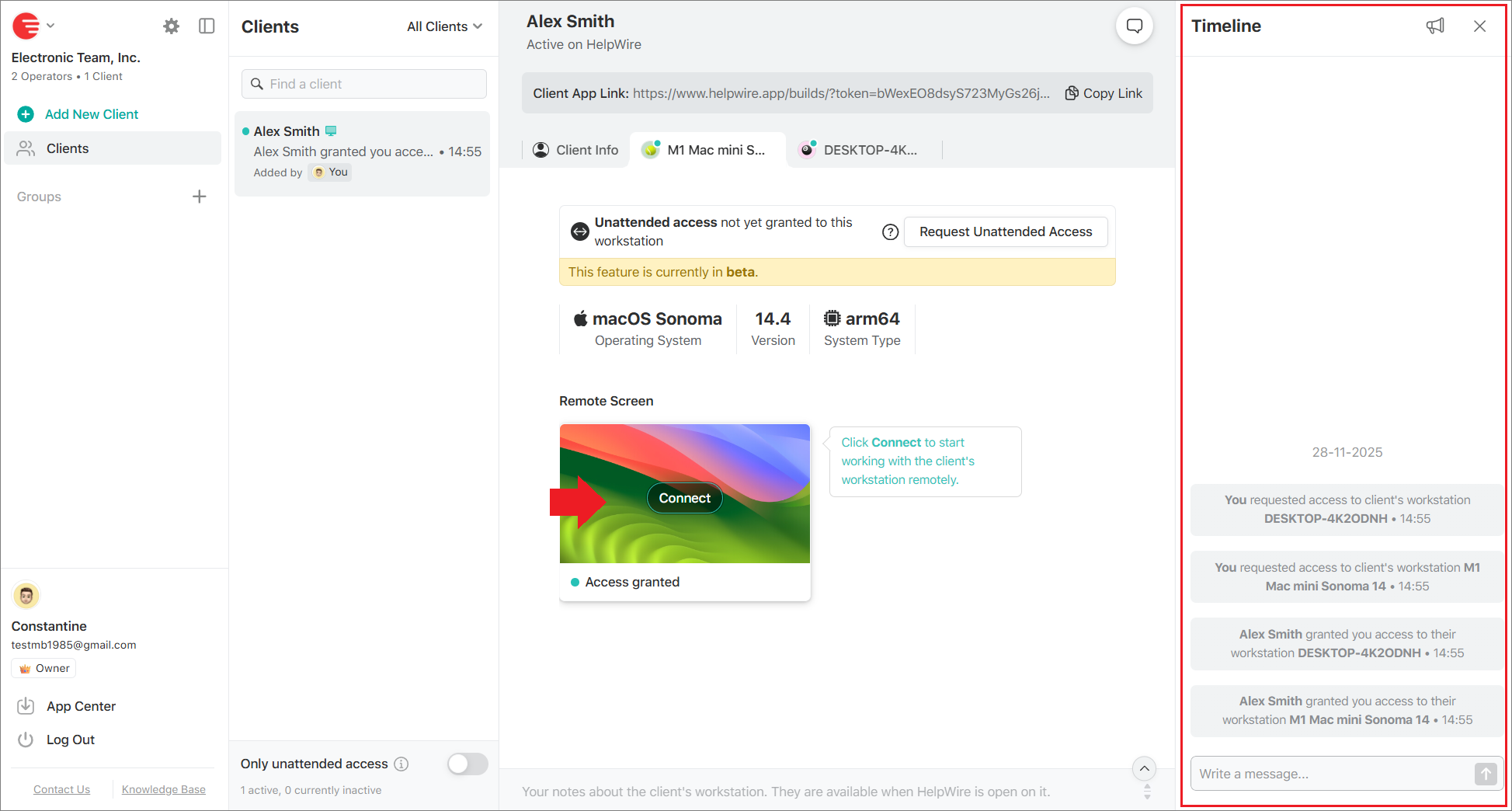
This way, all of the client’s workstations requiring your support will be displayed in the client’s profile, each in its own tab.
-
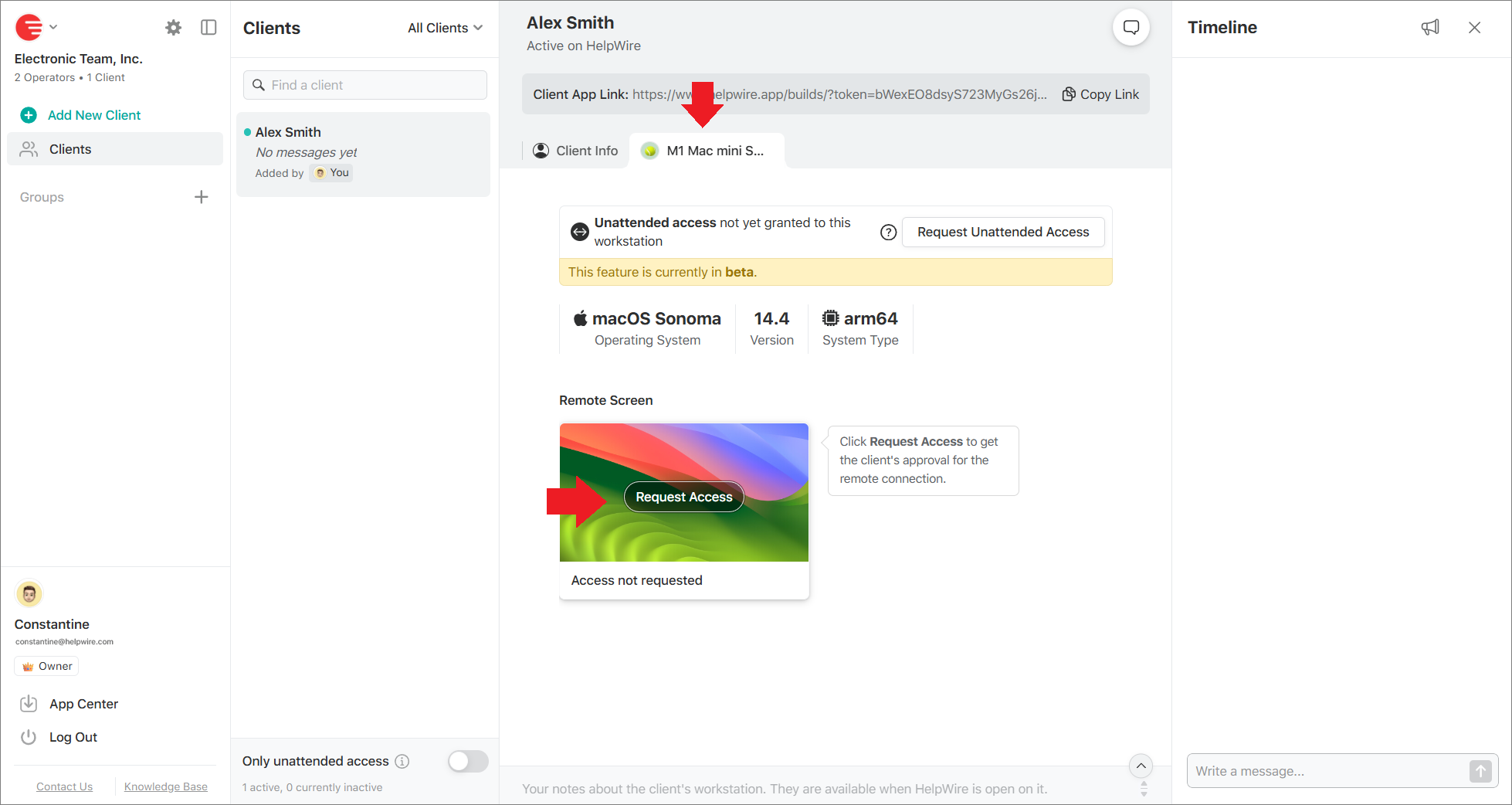
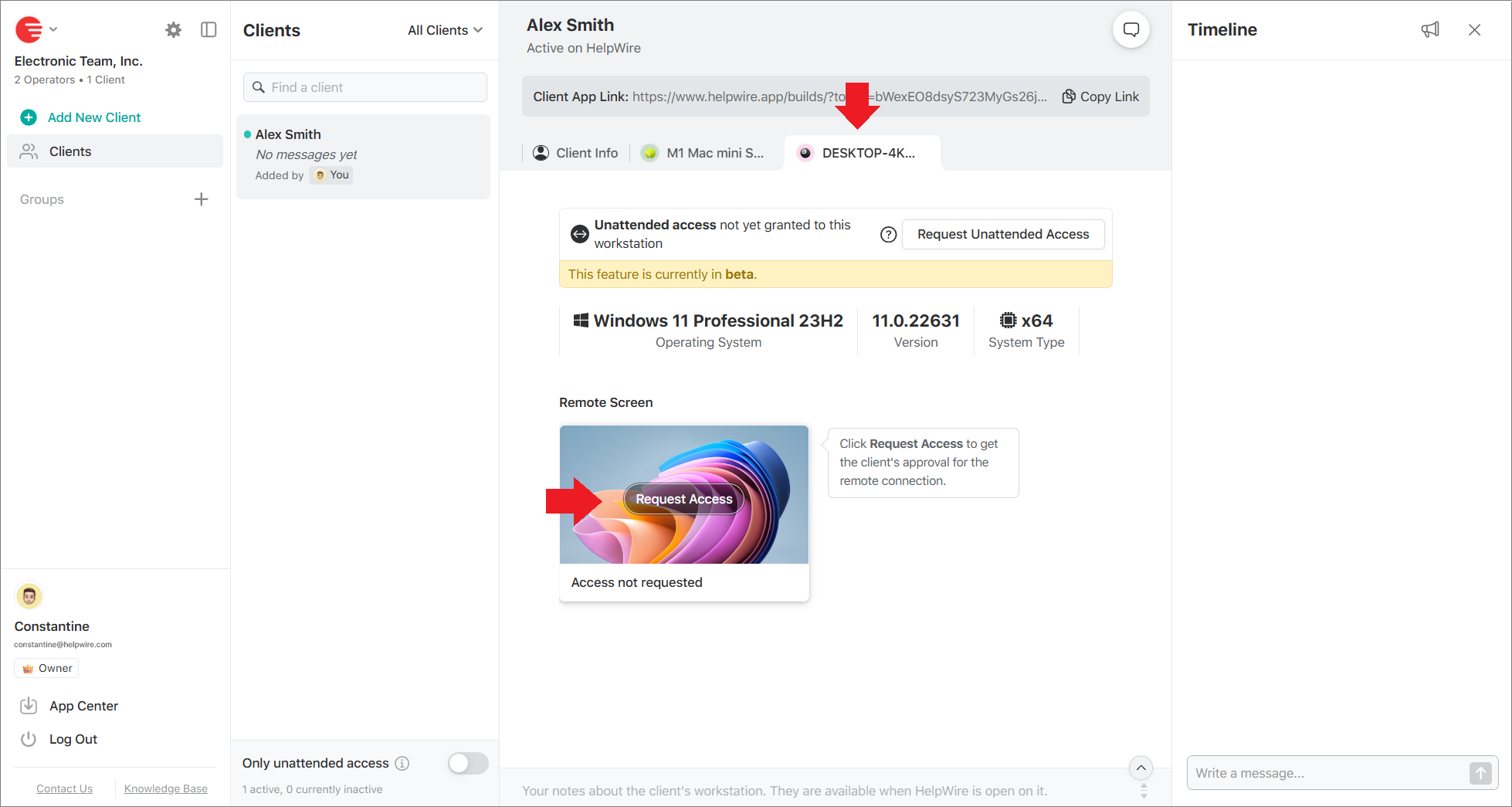
You will still need to request remote access to each workstation individually in its tab.
-
The chat history with the client, along with the events related to all the client’s workstations organized under the same profile, will be shown in your timeline.
-
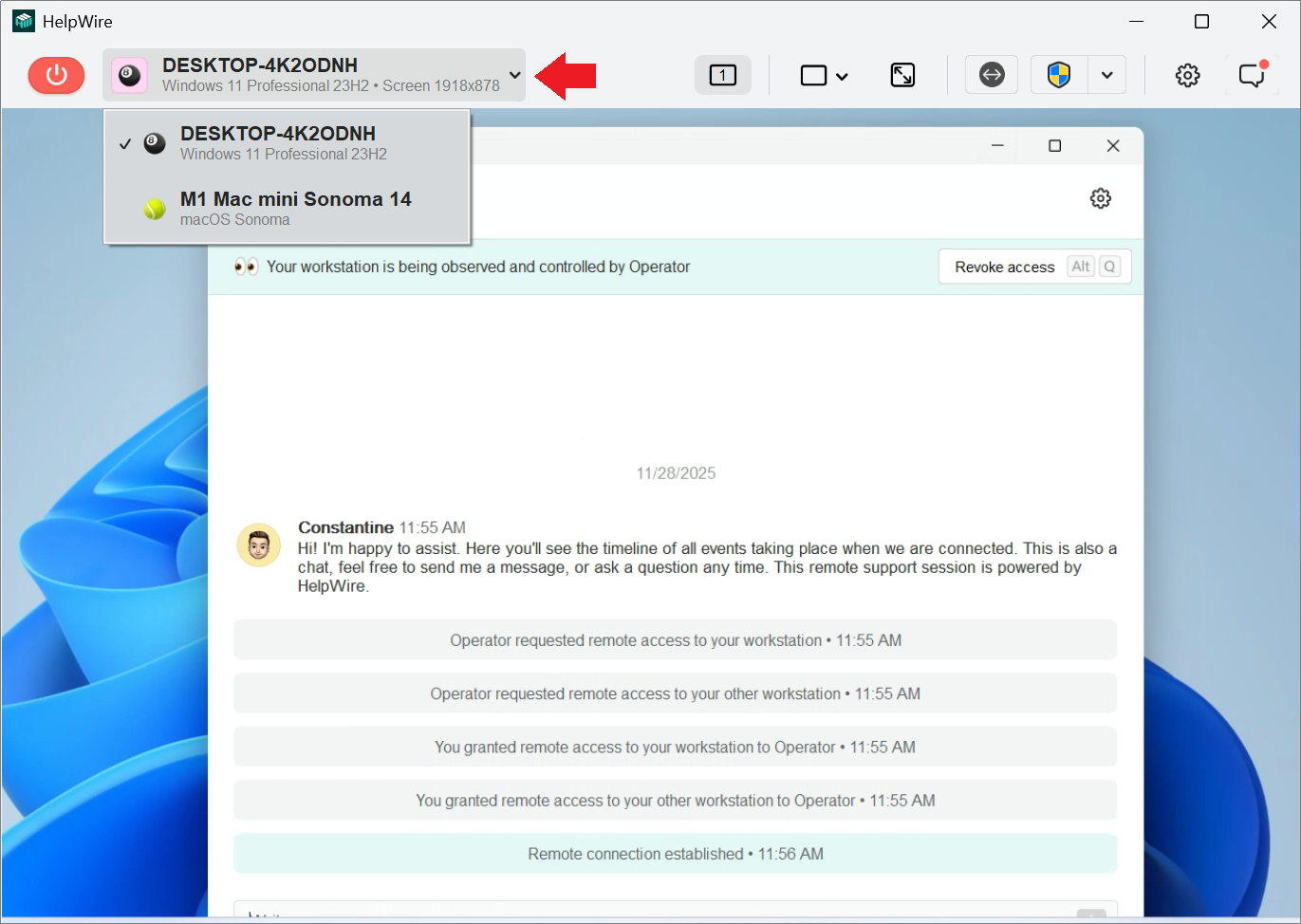
During a remote support session, you can switch between the connected client’s workstations in the HelpWire Operator app.