-
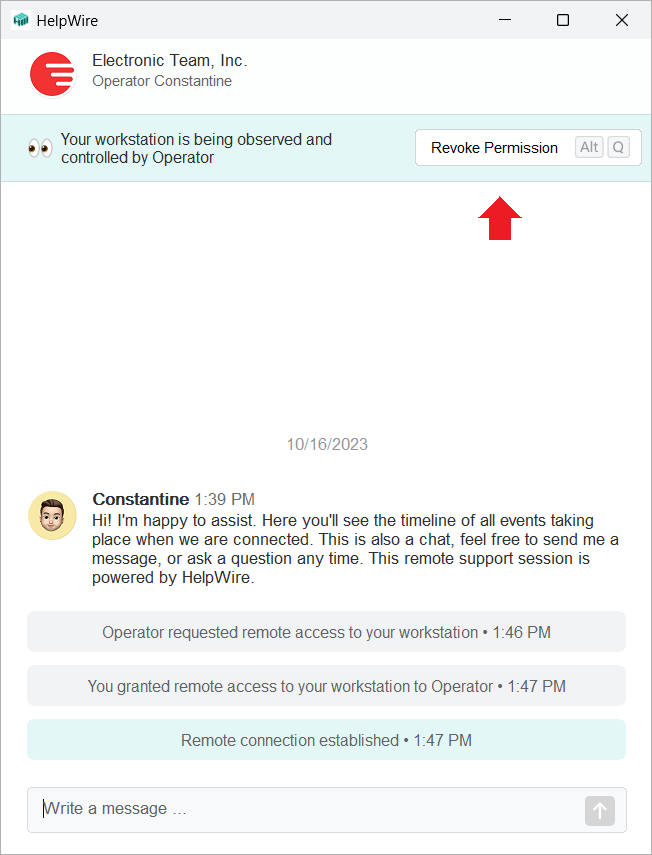
The client can revoke the remote access permission and disconnect the Operator from their workstation anytime by clicking the Revoke Permission button:
-
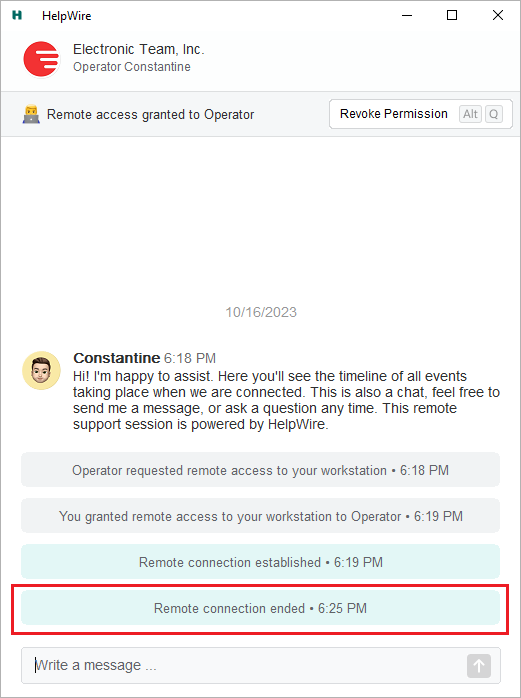
When the Operator ends the remote support session, the client gets the respective notification: