-
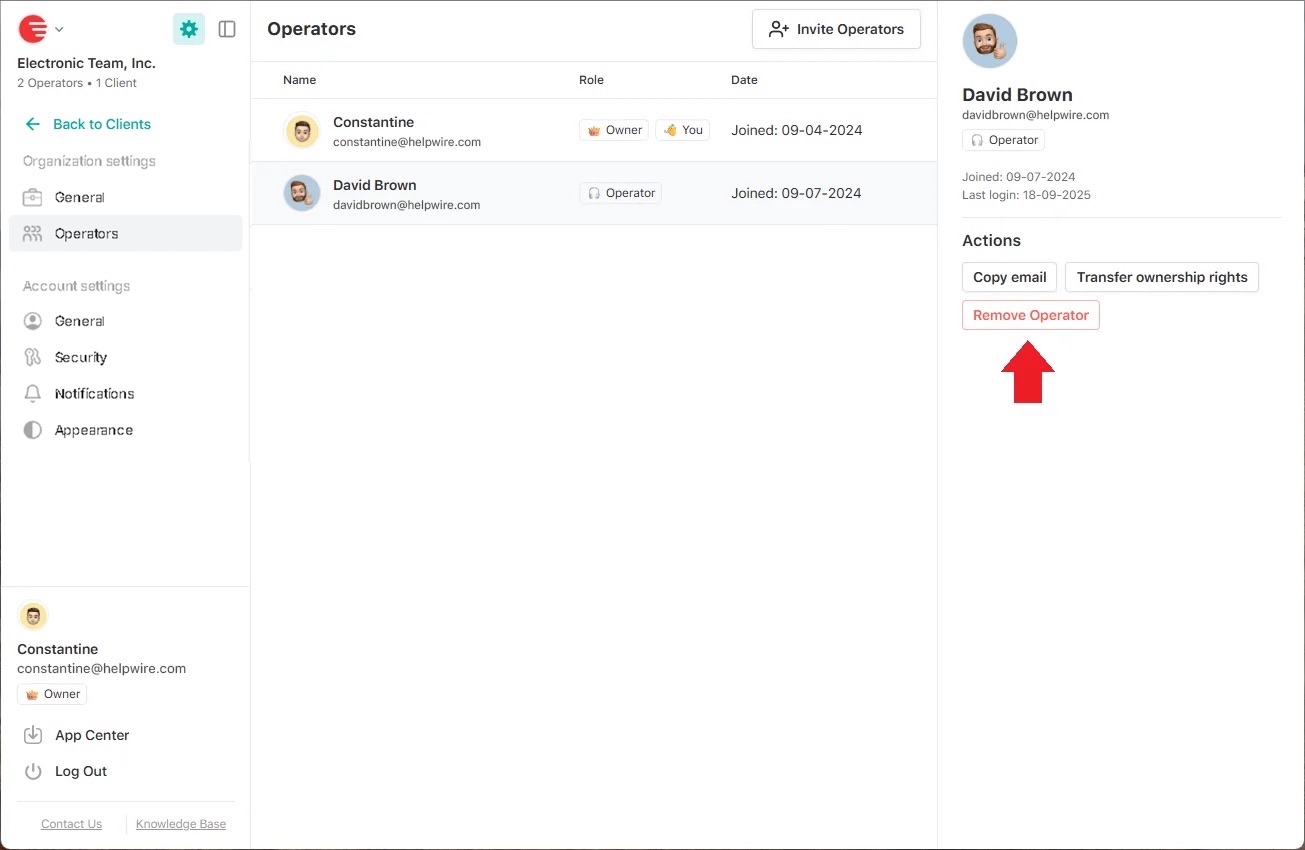
Click the “Settings” icon in the left sidebar and select Operators in the Organization settings;
-
Select the required Operator from the list;
-
Click Remove Operator in the Actions section under the Operator’s profile info.